An offline dictionary that opens on top of the book you are reading
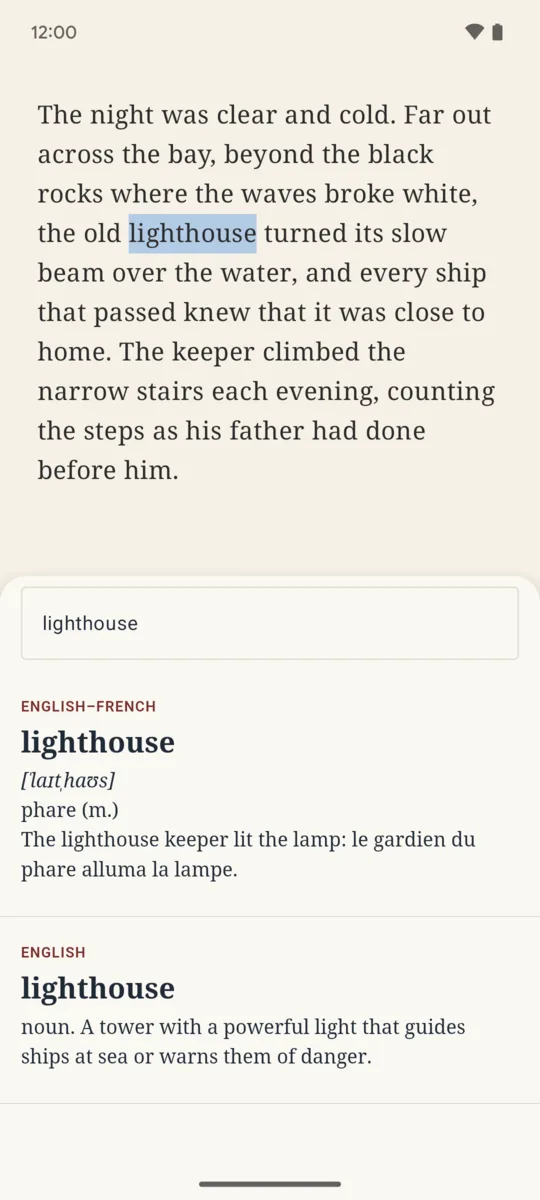
Select a word in your reading app, choose Wordlamp, and its definition opens in a small window over the page. Close it and you are back in your book. Everything works offline, from dictionaries kept on your phone.
Get it on Google Play Android 12 and later · free with two dictionaries
If ColorDict stopped downloading its dictionaries
Many readers used ColorDict as the external dictionary of Moon+ Reader. In its recent reviews, people report that downloading its offline data fails with a no internet connection message, and its last update dates from September 2025.
Wordlamp answers the same call. Reading apps that open an external dictionary the way they opened ColorDict, Moon+ Reader among them, can open Wordlamp instead: pick it in the reader’s dictionary setting. It also appears in the text selection menu of any app and accepts text shared to it. It is a separate app, written from scratch, and not affiliated with ColorDict or Moon+ Reader.
Your dictionaries, or free ones
-
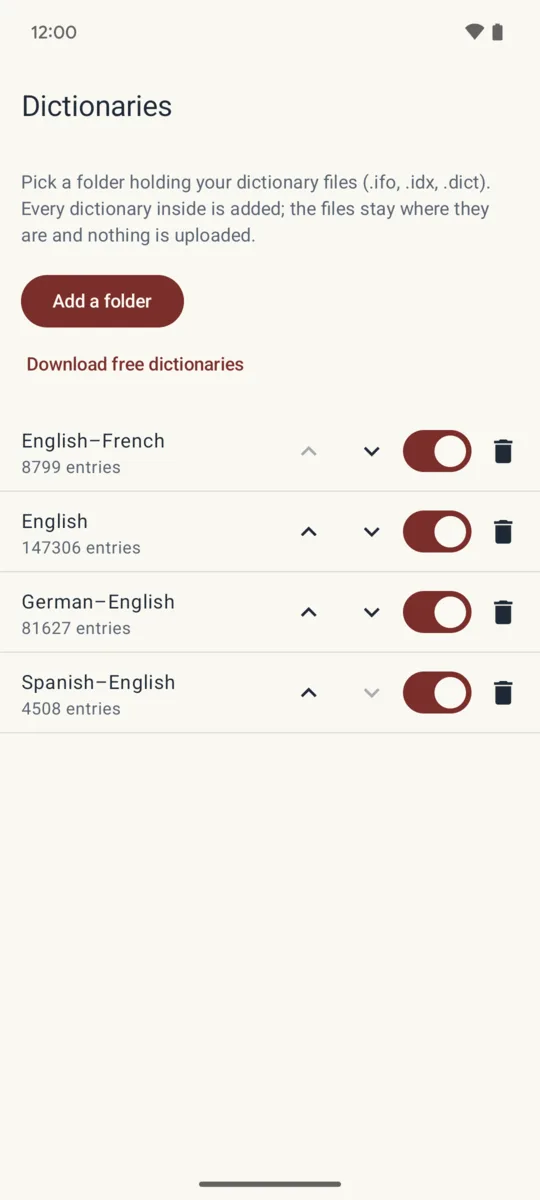
Reads the StarDict dictionaries you already own (
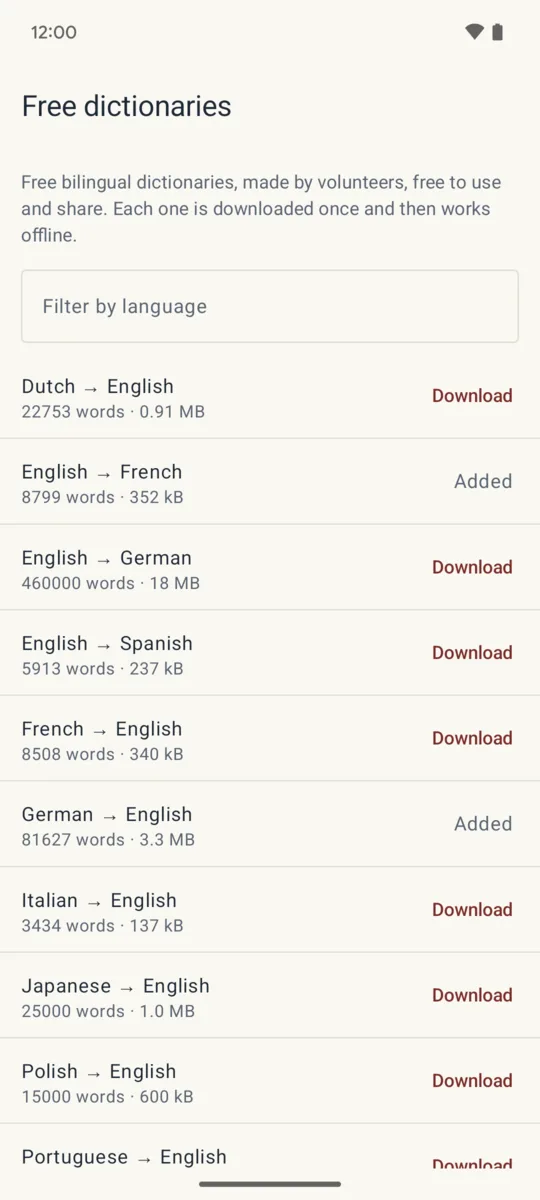
.ifo,.idx,.dict, compressed or not): pick a folder and every dictionary inside is added, where it already is. - Downloads free bilingual dictionaries in the app, more than 300 language pairs from the volunteer FreeDict project, checked and unpacked on the phone.
- Formatted entries, with links from one word to another.
- Search the dictionaries yourself from the app at any time.
What is free, and what one purchase adds
Free: two dictionaries, every lookup, the floating window and the free downloads.
Pro, one purchase that stays yours: as many dictionaries as you like, and the history of the words you looked up. Google Play shows the price in your own currency. No subscription, no ads, no account.
Who makes it
I do: one person, on my own, under the name Growing Peas. Mail goes to [email protected] and I answer it myself. If a dictionary file will not open, tell me which one and I will look at why. Your dictionaries and your lookups stay on your phone; the app goes online only to download a free dictionary. The privacy policy says so in full.