Convert an ebook on your phone, and keep it there
Tomeshift turns an ebook into the format your reader needs, right on your Android phone. The conversion runs on the phone itself: your books are never uploaded anywhere.
Get it on Google Play Android 12 and later · three free conversions a day
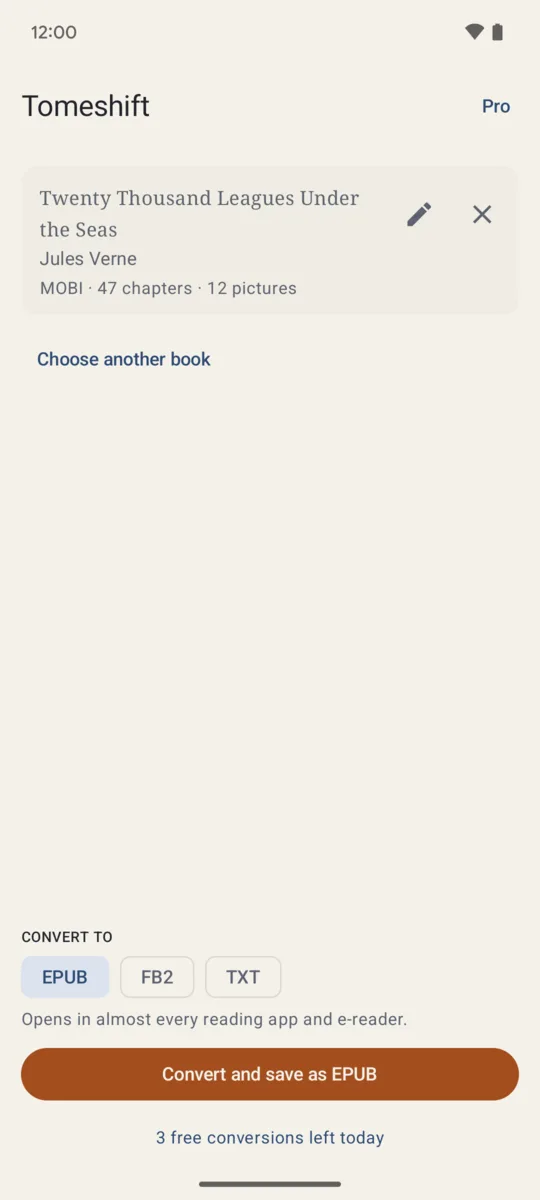
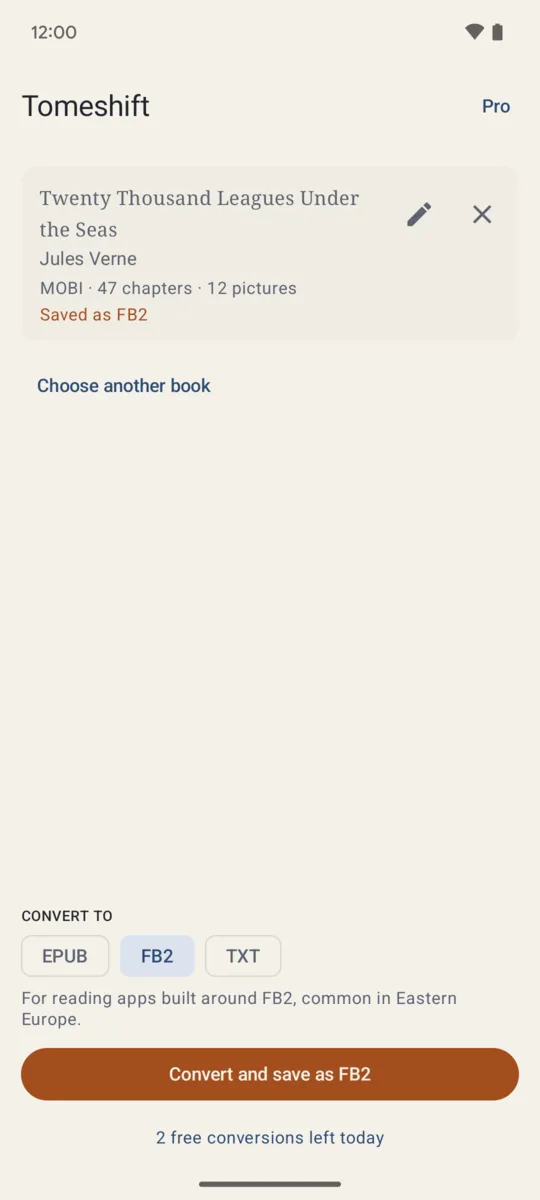
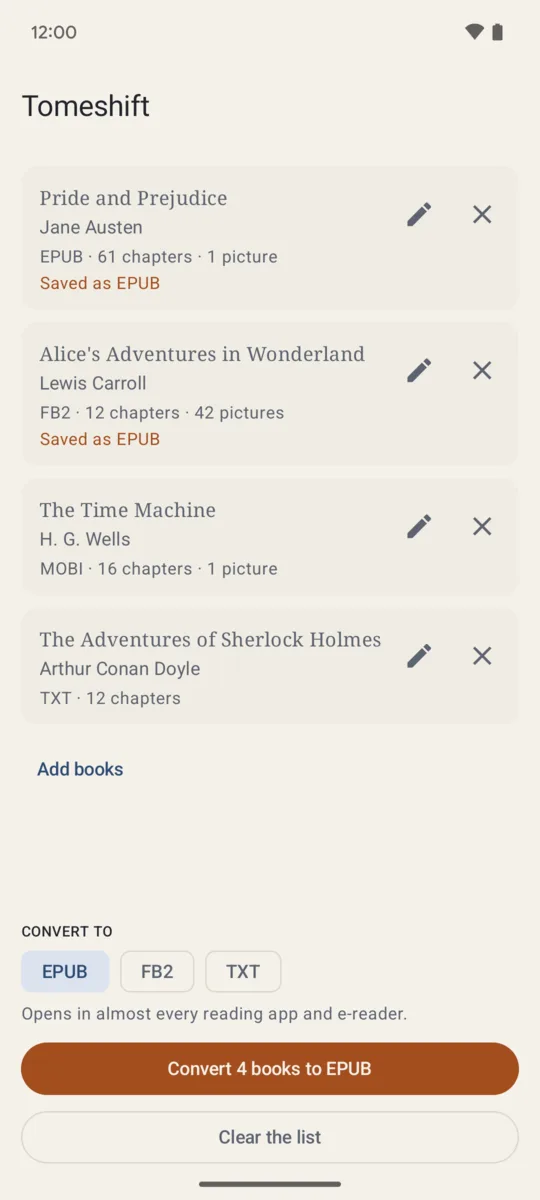
If your ebook converter uploads your books or fills the screen with ads
A converter with over a million installs on Google Play sends your book to its servers to convert it, and half of its recent reviews give one star, complaining about ads and about a subscription that replaced the old one-time purchase.
Tomeshift does the work on the phone. It needs no storage permission and no internet access to convert: you open a book from your file manager, from Open with or from Share, and save the result wherever you choose. The app goes online only for a purchase through Google Play.
Formats
- Reads EPUB 2 and 3, FB2 (also zipped), MOBI, AZW3 and plain text.
- Writes EPUB 3, FB2 and plain text.
- Keeps the title, author, cover, chapters and pictures.
- Splits a one-file book into real chapters, so your reader shows a table of contents.
Books protected by DRM are refused: Tomeshift never removes a protection.
What is free, and what one purchase adds
Free: three conversions a day, one book at a time.
Pro, one purchase that stays yours: no daily limit, a whole selection converted at once into the folder you choose, and the title and author fixed before saving. Google Play shows the price in your own currency. No subscription, no ads, no account.
Who makes it
I do: one person, on my own, under the name Growing Peas. Mail goes to [email protected] and I answer it myself. If a book comes out wrong, tell me its format and what went wrong and I will look at why. The privacy policy explains that your books never leave your phone.