Your ebook library lives on the computer. Tomecase brings it to your phone.
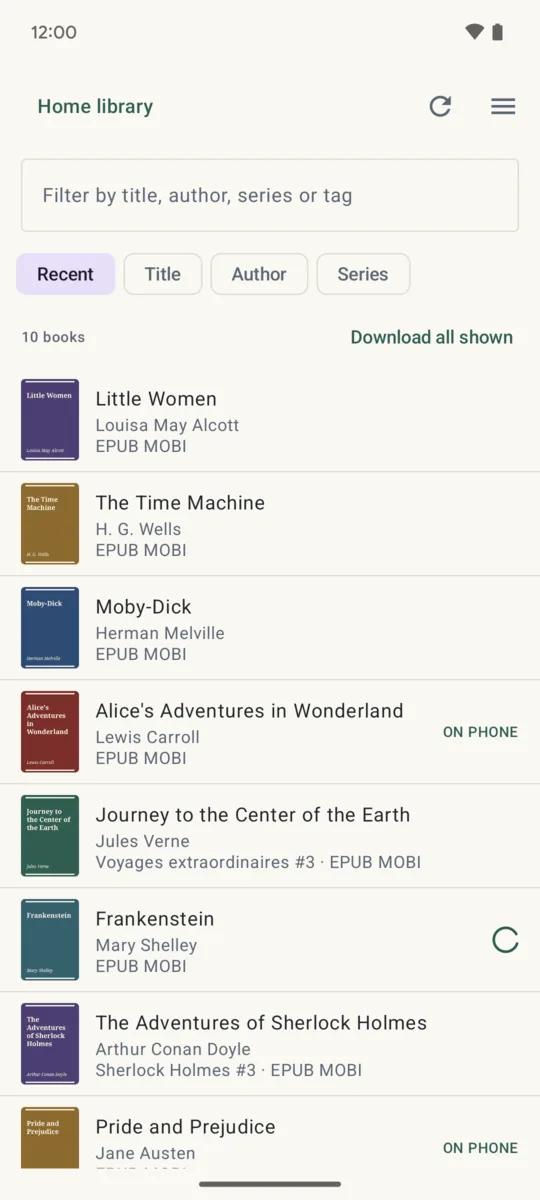
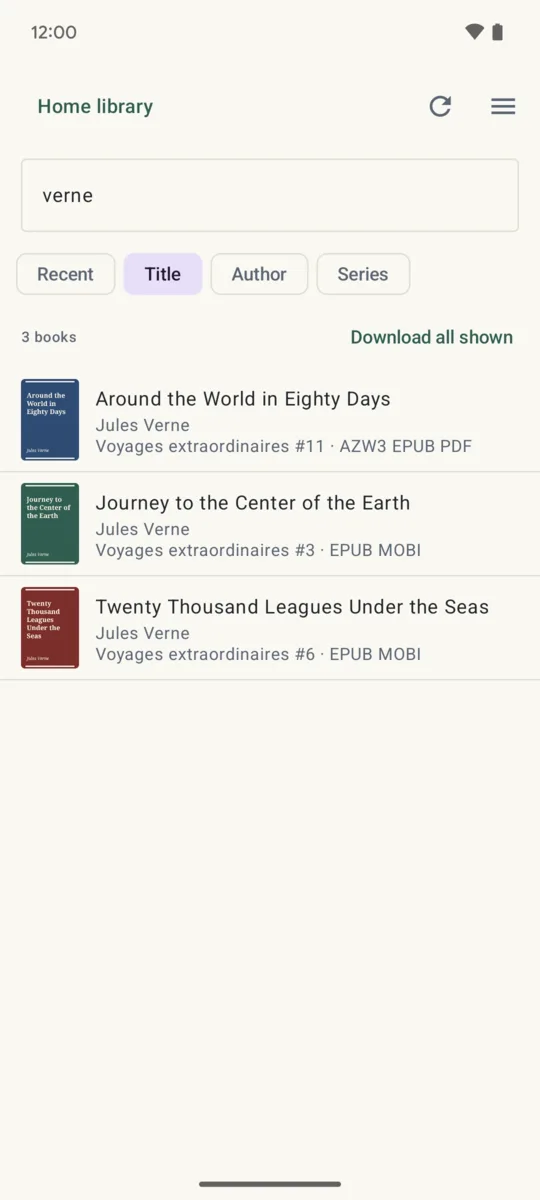
Browse the whole library from your Android phone, search it, and copy the books you want in the format your reading app needs. Over your home network, from further away, or from a library folder you copied to the phone.
Get it on Google Play Android 12 and later · free with one library
If Calibre Companion stopped sending books to your phone
Many people moved books from calibre on their computer to their phone with Calibre Companion. In its recent reviews, people report crashes and wireless transfers that no longer work, after the app changed hands and added ads and a subscription.
Tomecase takes the other road: it talks to the content server that calibre itself runs (in calibre, Connect/share, then Start Content server), so there is nothing to install on the computer. It can also read a library folder you copied to the phone or a memory card, straight from its catalogue. It is a separate app, written from scratch, and not affiliated with calibre, Kovid Goyal or Calibre Companion.
What it does
- Connects to the content server on your home network or further, with or without a password.
- Covers, titles, authors, series and tags, sorted and filtered as you like.
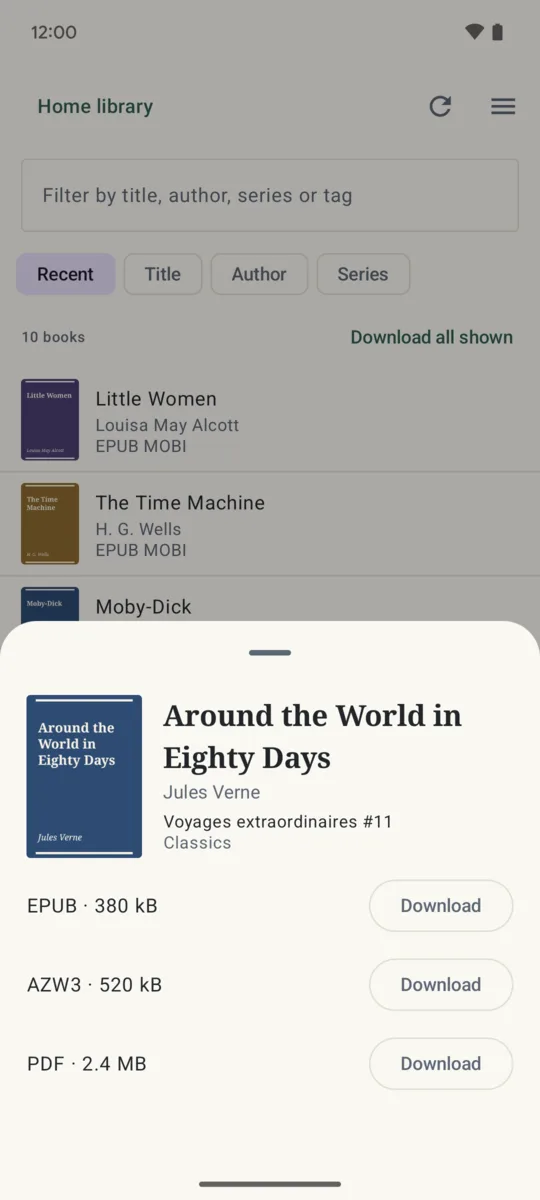
- When a book has several formats, you pick the one to download: EPUB, MOBI, AZW3, PDF and more.
- Books are saved in the folder you choose, ready for your reading app.
- Passwords are stored encrypted on the phone.
What is free, and what one purchase adds
Free: one library, browsing, search, and downloads one book at a time.
Pro, one purchase that stays yours: several libraries, servers and folders, and every book shown downloaded in one tap, up to 200 at a time. Google Play shows the price in your own currency. No subscription, no ads, no account.
Who makes it
I do: one person, on my own, under the name Growing Peas. Mail goes to [email protected] and I answer it myself. If your library will not connect, tell me what the app says and I will look at why. The app talks only to the library you add, and your books never pass through anyone else: the privacy policy says so in full.