Record what you spend before you forget it, into the budget you host
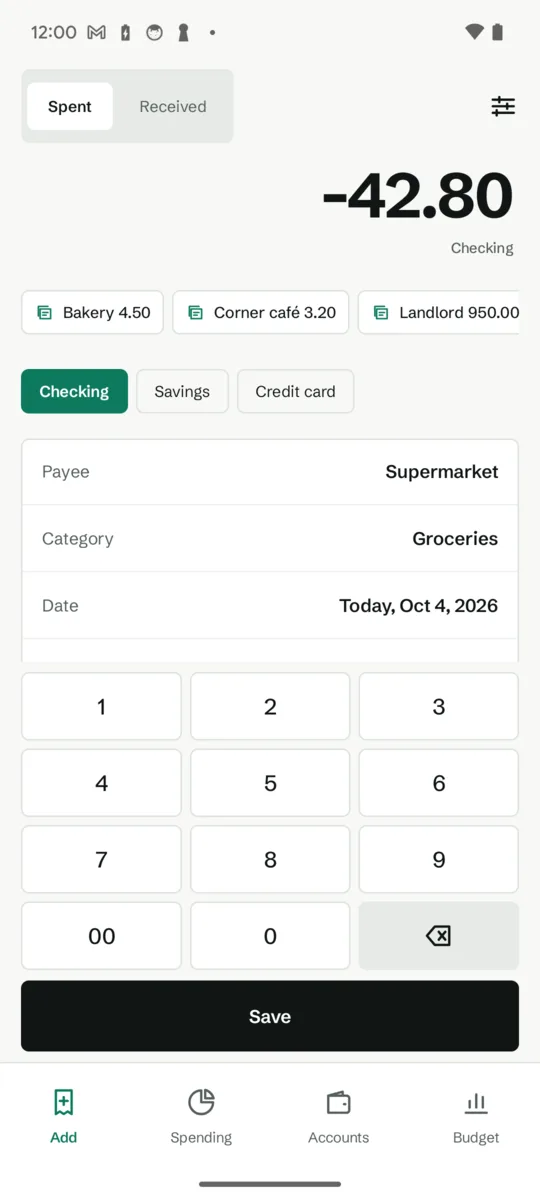
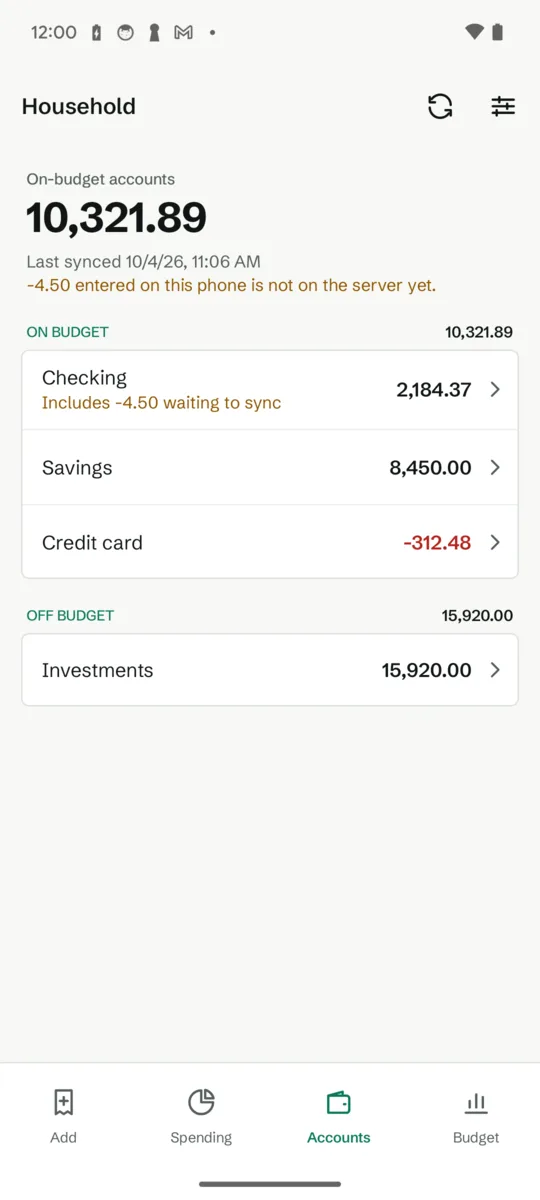
Tallyleaf records a purchase in your self-hosted budget in a few seconds, at the till, even with no signal. The entry waits on your phone and reaches your server as soon as there is a connection.
Get it on Google Play Android 12 and later · free for every entry
If you run Actual Budget and miss a phone app
Actual Budget is a free, open-source budgeting tool that many people host on their own server. On a phone it runs in the browser, which is fine for reviewing a budget and slow for the one thing you do most: noting a purchase the moment you make it, often where the signal is poor.
Tallyleaf is a native Android app for exactly that. It signs in to your own server, queues entries while you are offline and syncs them on its own. It is a separate app, made by me, and not affiliated with or endorsed by the Actual Budget project. You need your own server, reachable over HTTPS or a local network name; with none yet, you can try the app on demo data that never leaves the phone.
Made for speed
- A till-style keypad, the payee, the category, Save.
- Payees fill in their usual category on their own.
- Templates for the purchases you repeat, and launcher shortcuts for Spent and Received.
- Account balances and recent transactions one tab away.
What is free, and what one purchase adds
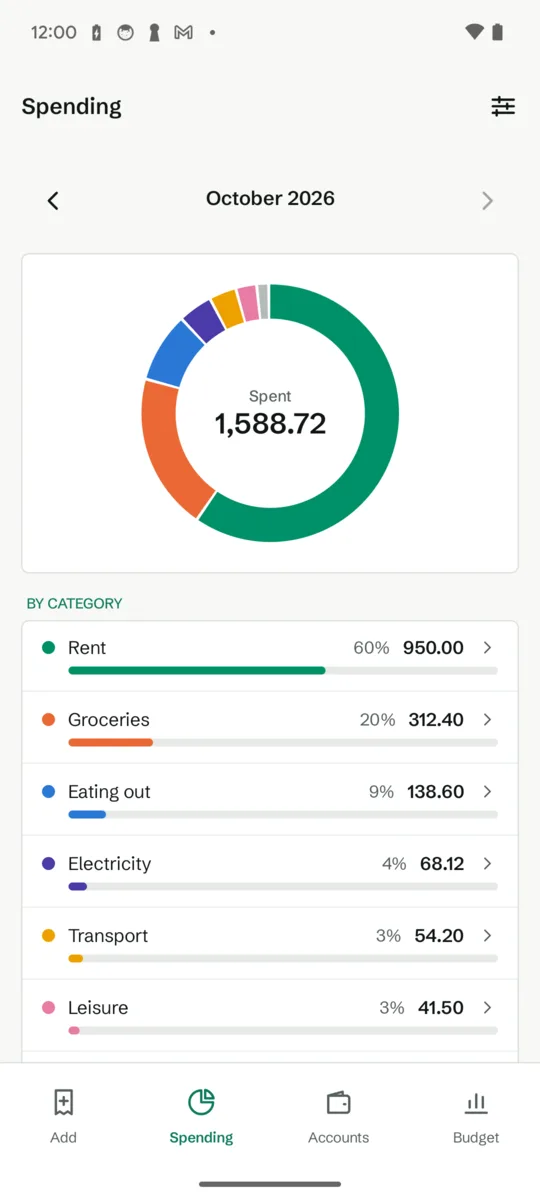
Free: spent and received entries with no limit, payees and categories from your budget, account balances and the last 20 transactions of each account, this month’s spending by category, three templates and the launcher shortcuts.
Pro, one purchase that stays yours: spending charts over earlier months and the six-month trend, the budget month with overspending flagged, full account history with search, up to 40 templates, receipt photos kept on the phone, a home screen widget and a Quick Settings tile, and more than one budget file. Google Play shows the price in your own currency. No subscription, no ads, no account.
Who makes it
I do: one person, on my own, under the name Growing Peas. Mail goes to [email protected] and I answer it myself. The app connects only to the server address you enter; your password is sent once to sign in and never stored, and receipt photos never leave your phone. The privacy policy says so in full.